
Help Centre › WhatsApp messages
Broadcasts
Send one approved message to many customers at once.
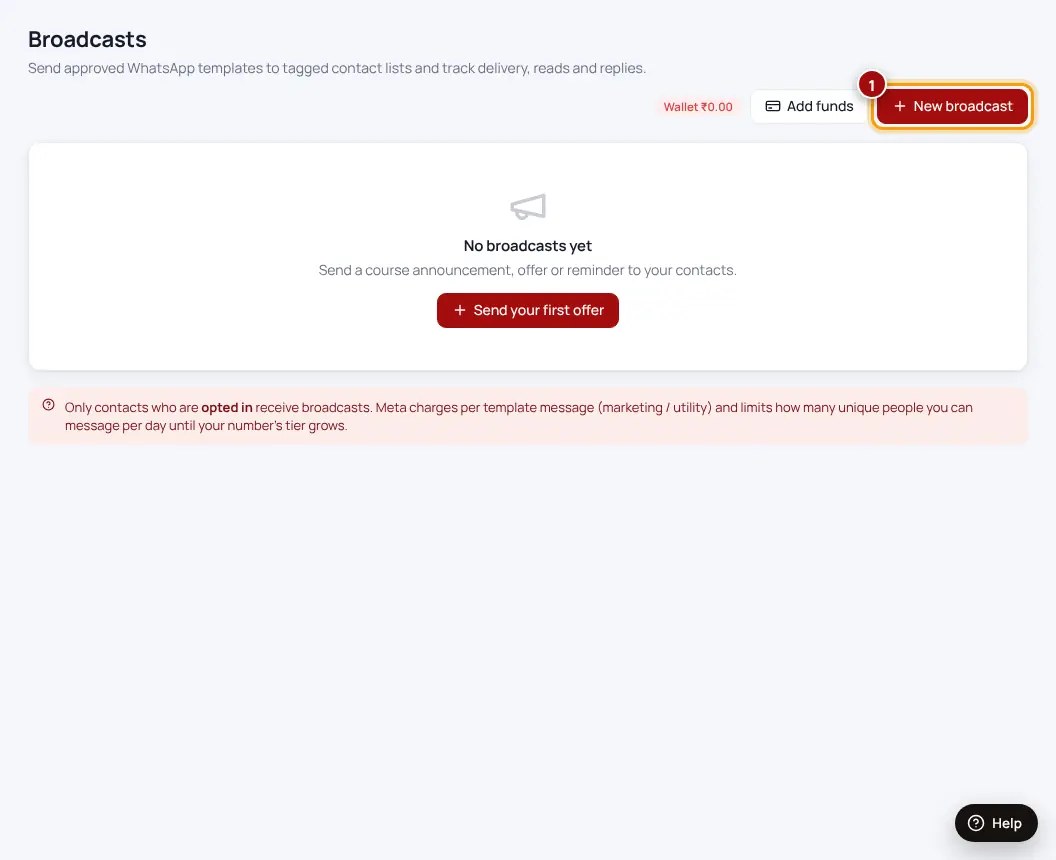
- Broadcasts → New broadcast
- Choose the approved messageOnly approved templates can be broadcast.
- Choose who gets itBy label, or upload a list. Only people who agreed to receive messages get it.
- LaunchSee sent, delivered, read and replied for each broadcast.
Each broadcast message is charged by Meta (your card) plus a small Spidery wallet fee. Broadcasts pause if the wallet runs out and restart after you top up.
Was this helpful?Thanks! Need more help? Ask the help assistant
Next: Spidery wallet →