
Help Centre › Automation
Test a reply on your phone
See exactly what your customers receive.
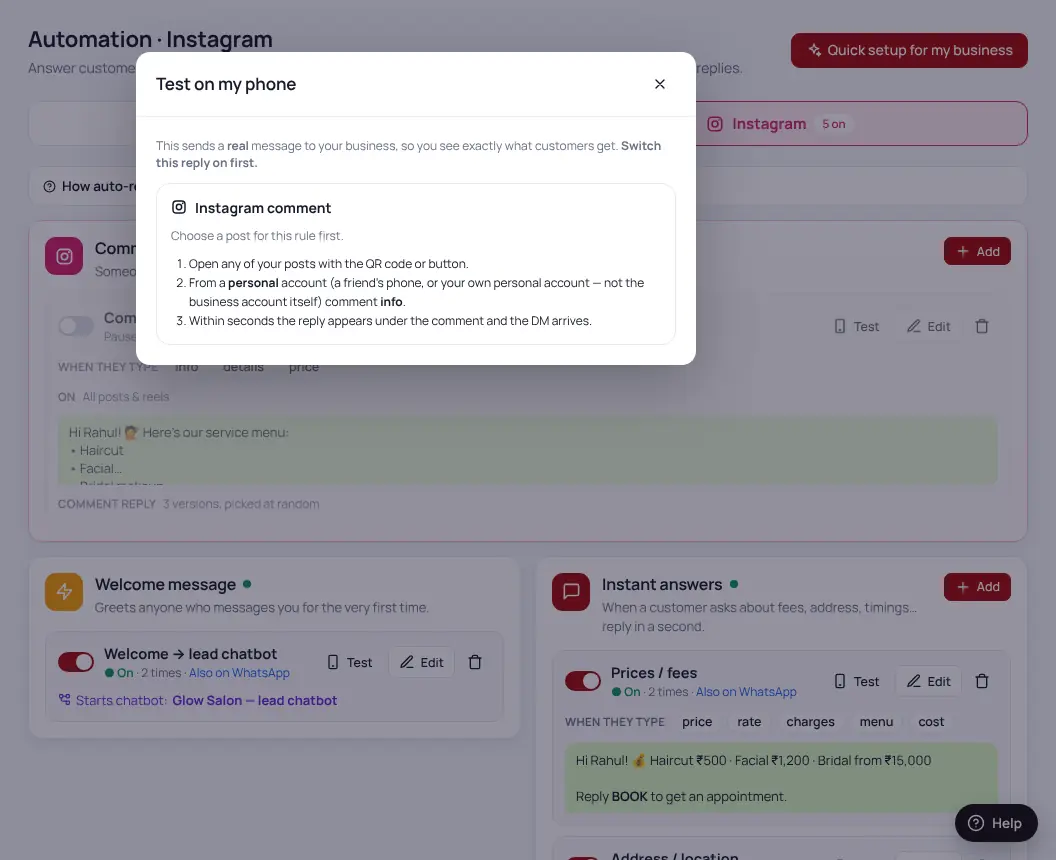
- Open any reply in AutomationClick “Test on my phone”.
- Scan the QR codeWith your phone camera — it opens WhatsApp or Instagram with the right message typed.
- Send itYour reply arrives within seconds.
The welcome message only goes to people messaging you for the first time. To test it again, use a different phone number.
Was this helpful?Thanks! Need more help? Ask the help assistant