
Help Centre › Automation
Knowledge base (FAQs)
Write your common questions once — the bot answers them any time.
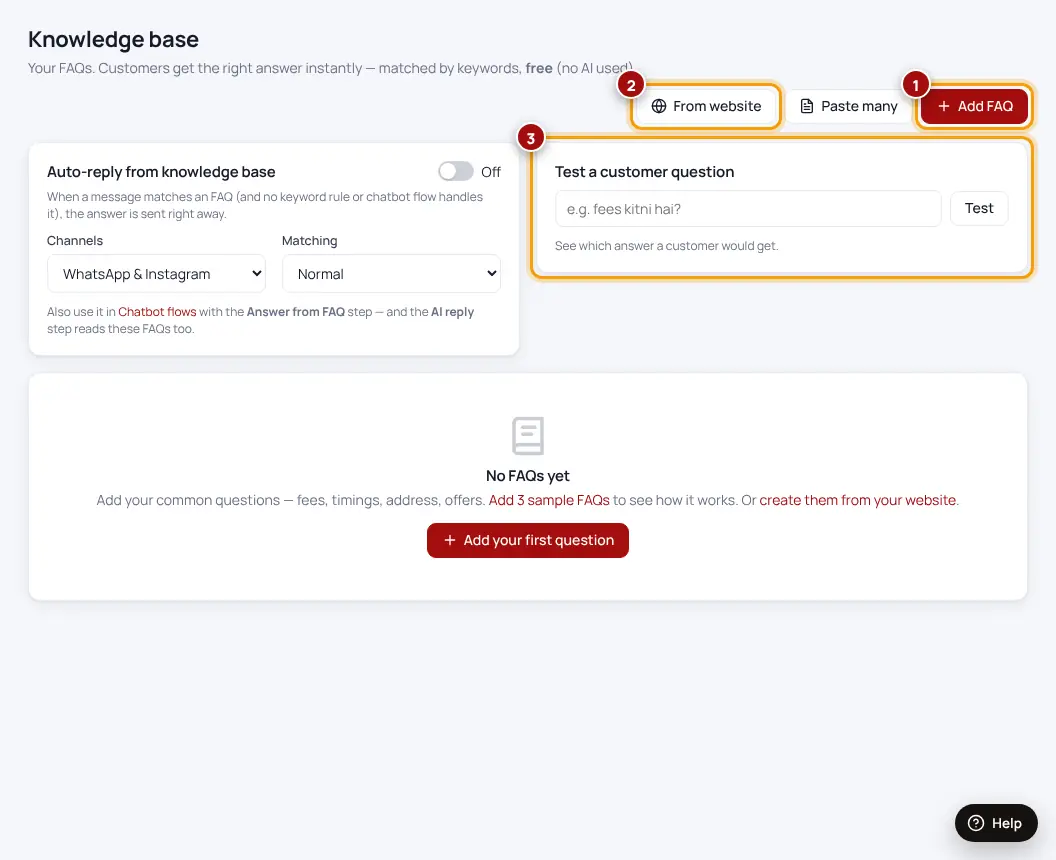
- Open Knowledge baseClick “More features” in the menu if you don’t see it.
- Add FAQWrite the question the way customers ask it, and your answer.
- Or import from your websiteWe read your site and suggest questions and answers.
Keep answers short and add a next step — “Reply BOOK to reserve a slot”.
Was this helpful?Thanks! Need more help? Ask the help assistant