
Help Centre › Plans, team & account
Notifications & the Android app
Get an alert for every new lead and message — on your phone or computer.
- Get the Android appSearch “Spidery Connect” on Google Play, or use the button below.
- Allow notificationsWhen the app or browser asks, tap Allow.
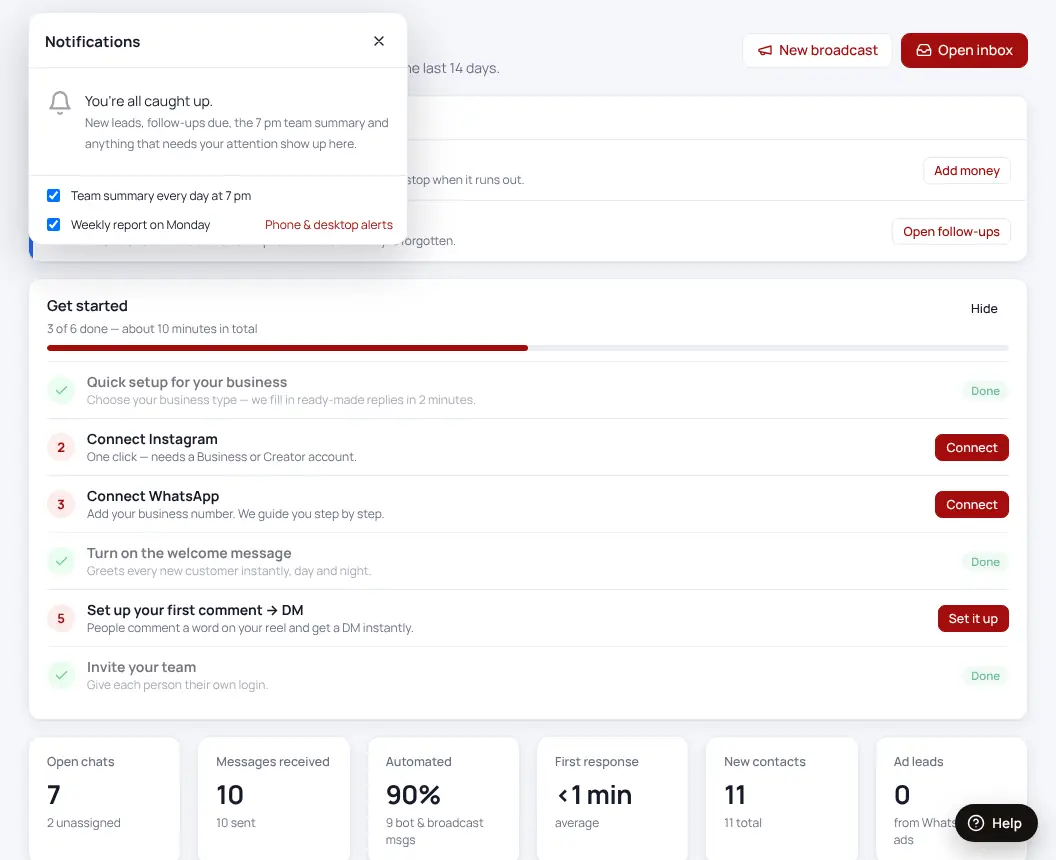
- Choose what you hear aboutBell icon → choose the 7 pm team summary and the Monday report.

Notifications blocked in Chrome? Click the icon left of the address bar → Site settings → Notifications → Allow.
Was this helpful?Thanks! Need more help? Ask the help assistant