Help Centre › Connect your accounts
Try everything with a test channel
See how Spidery Connect works before connecting your real accounts.
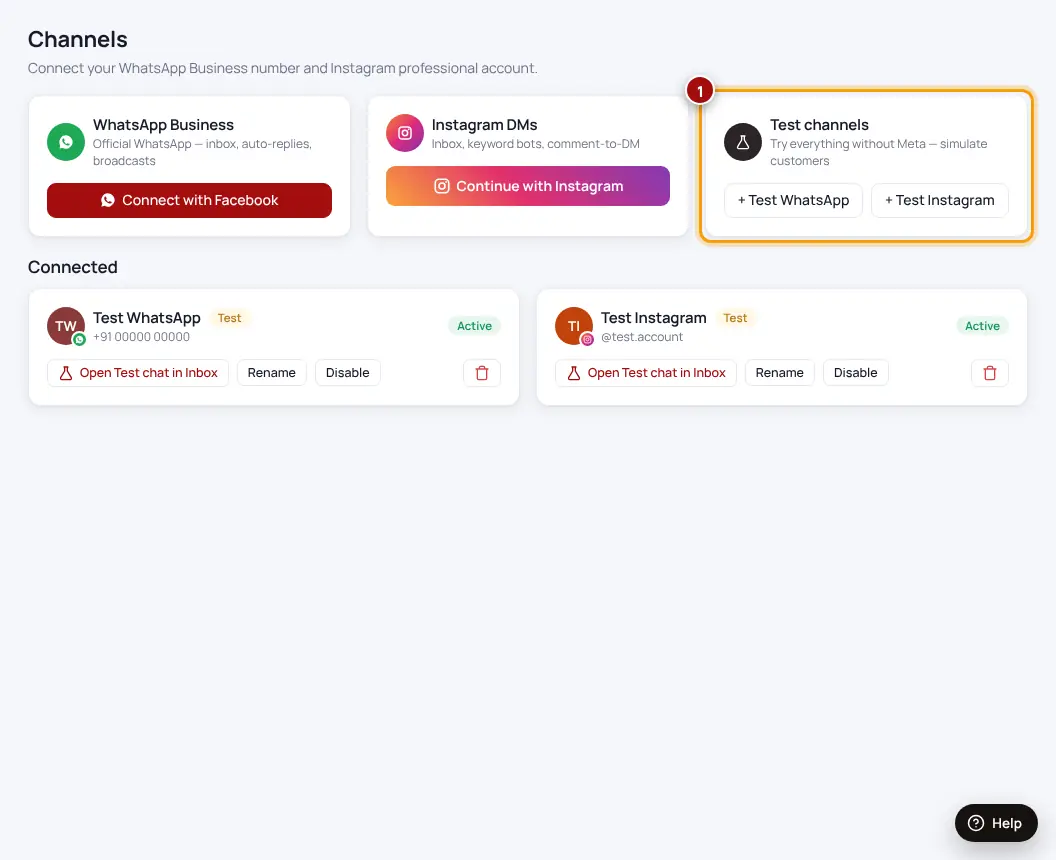
- Open ChannelsFind the “Test channels” card.
- Click “+ Test WhatsApp” or “+ Test Instagram”A pretend channel is created.
- Open the test chat in the InboxType as if you were a customer and watch your auto-replies and chatbots answer.
Test channels never send real messages. Delete them once your real accounts are connected.
Was this helpful?Thanks! Need more help? Ask the help assistant