
Help Centre › Inbox & leads
Lead sources: website, Google, Meta & portals
Bring leads from every platform into one sheet automatically.
| Source | How it connects |
|---|---|
| Website form | Lead sources → Connect a form → copy the link or code into your form |
| Google Ads lead forms | Google Ads tab → copy the webhook URL and key into your lead form |
| Meta (Facebook / Instagram) lead forms | Meta Ads tab → connect your Page |
| JustDial, 99acres, MagicBricks, Sulekha… | Portals tab → add the portal → send the link to your portal account manager |
| IndiaMART | Portals tab → paste your IndiaMART CRM key — we check for leads every 10 minutes |
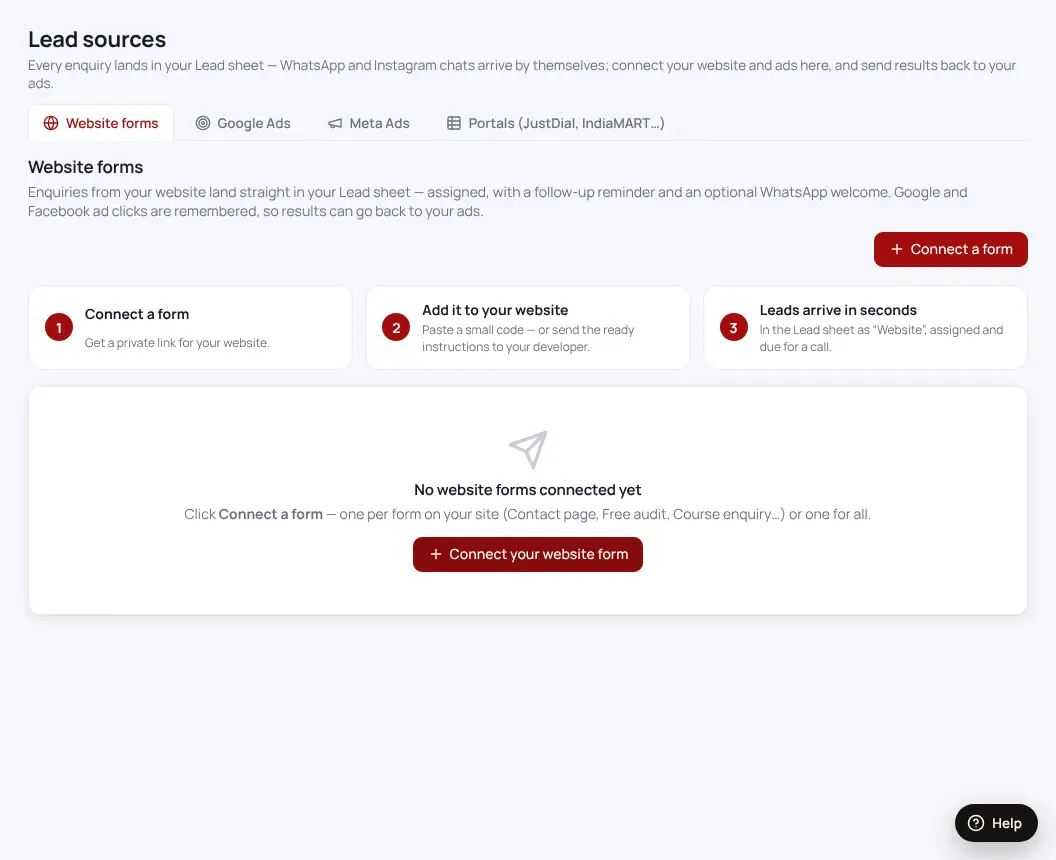
- Open Lead sourcesClick “More features” in the menu if you don’t see it.
- Pick the sourceFollow the steps shown on its card.
- Send a test leadIt appears in your lead sheet within seconds.
Was this helpful?Thanks! Need more help? Ask the help assistant