Help Centre › Automation
Chatbots
A chatbot asks questions with buttons and collects details — no coding.
Customer says hi
Bot asks“What are you looking for?”
They tap a buttonBook demo · Fees · Timings
Name & phone savedas a lead
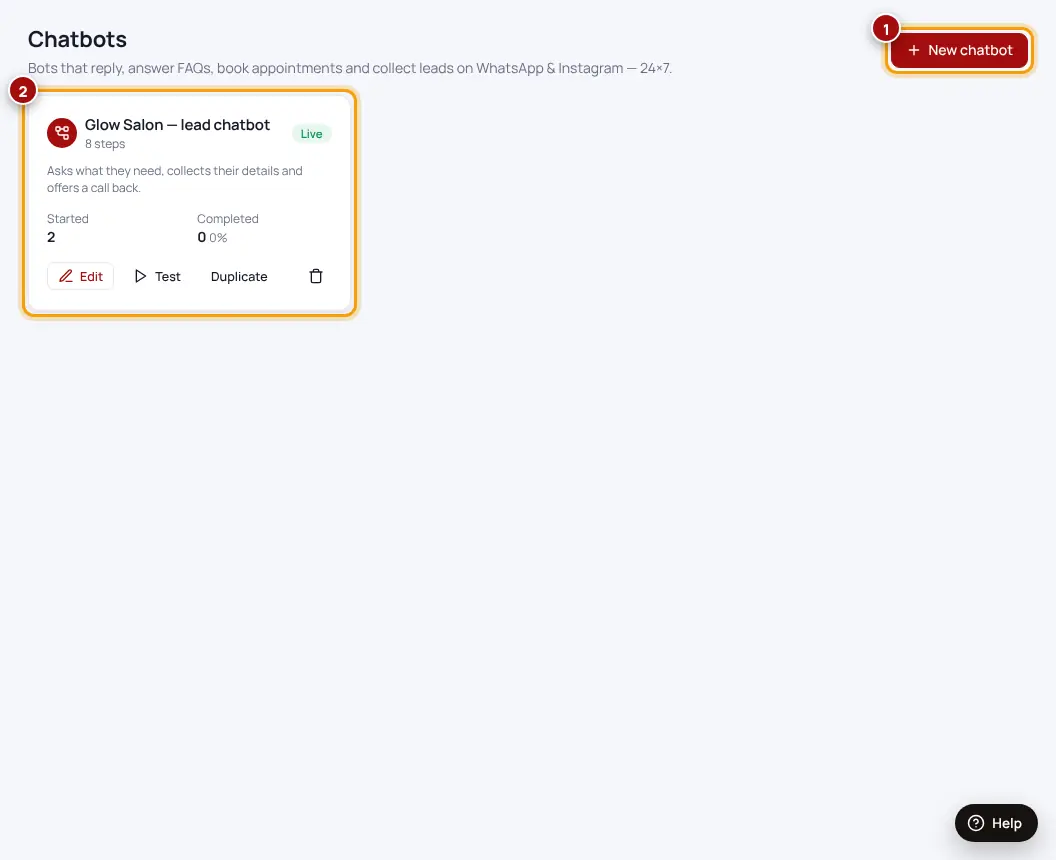
- Chatbots → New chatbotPick a goal like “Collect leads” — we build the steps for you.
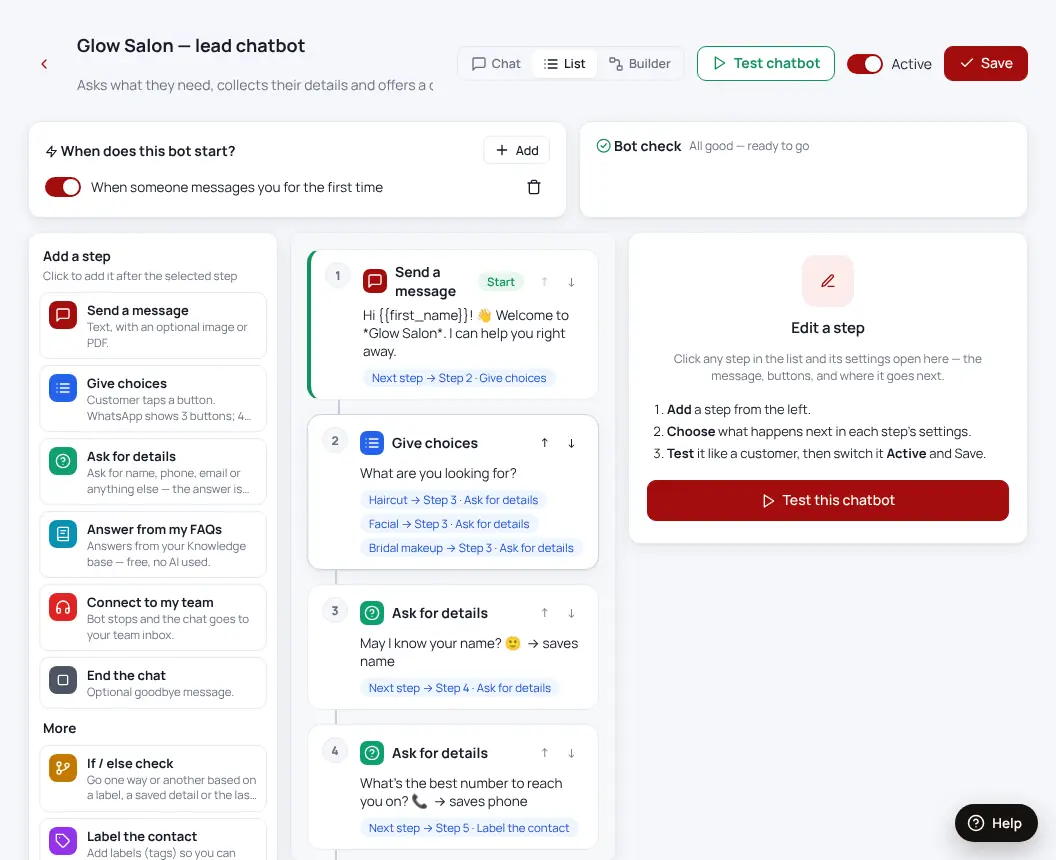
- Change the wordsClick any step to edit the message or the buttons.
- Test chatbotChat with it like a customer.
- Switch it onChoose when it starts: the first message, a word, or a comment.
Was this helpful?Thanks! Need more help? Ask the help assistant